Command a Squad Getting Started Guide
Survive your first WW1 matches and build a squad worth commanding.
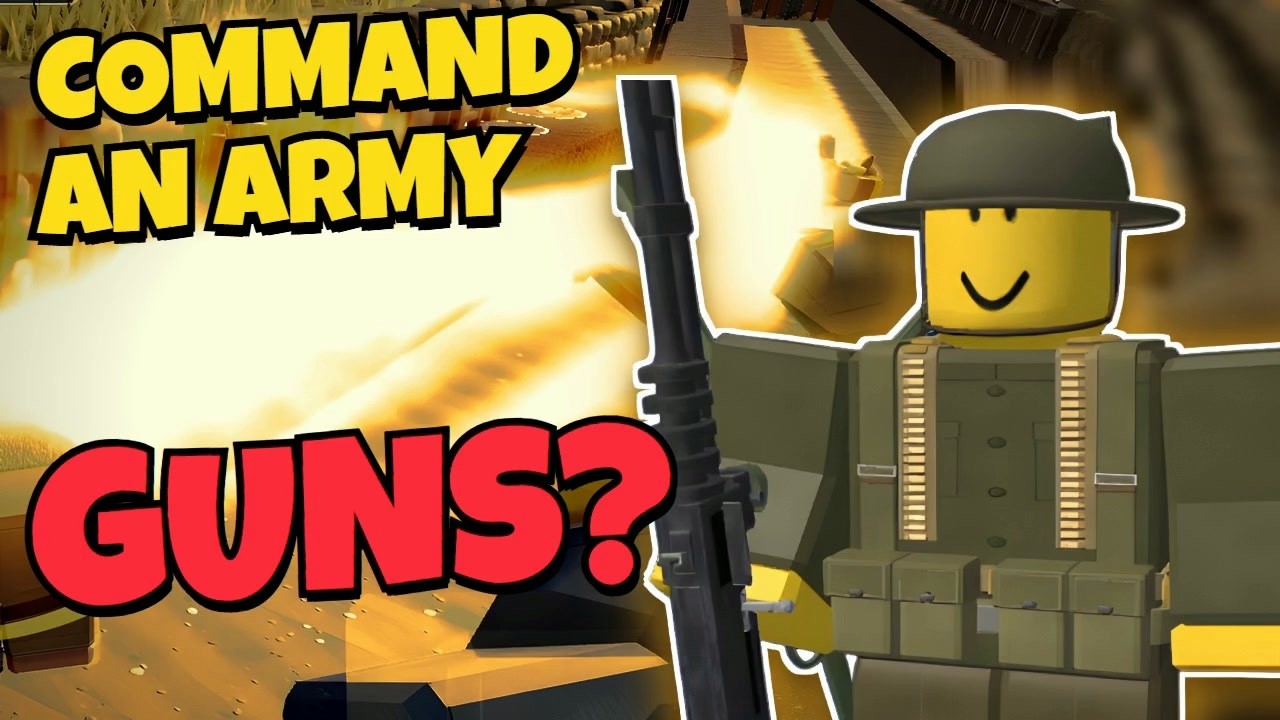
Command a Squad is Wagyu Games’ Roblox WW1 squad commander. You fight beside AI troops you recruit and upgrade, capture points in order, and spend Gold to grow a roster that can crack trenches or hold them. This day-one guide gets you from login to a stable first-hour loop without wasting currency or inventing controls that do not exist.
Before anything else, open the Codes page and redeem live gifts. At launch the community tracked RELEASE for 250 Gold and BETA for 500 Gold. Codes change, so always confirm the live list there, then return here for how to spend the haul.
What the game actually is
Matches ask you to pick a faction — typically US or Central Powers — then attack or defend along a capture chain labeled A → B → C. You personally fight while issuing orders to your AI squad. Wins and strong play pay Gold and Battle XP. That progress unlocks better infantry, machine gunners, medics, flamethrowers, field artillery, cavalry, Mark IV tanks, and eventually veterans or elites with traits such as Skilled Marksman for accuracy and range.
Do not confuse this title with Command An Army. That game is medieval melee; this one is rifles, trenches, and armor. Guides, codes, and keybinds from the medieval title do not transfer here.
First-session checklist
- Launch from the official Roblox experience and finish any short onboarding prompts.
- Redeem codes on Codes so early Gold is not left on the table.
- Pick a faction and note whether your team is attacking or defending.
- Stay oriented on the live objective letter — wandering for kills loses chains.
- Keep your squad near cover and the point; empty trenches favor the side that arrives with medics and machine guns together.
- After the match, recruit one missing role before buying cosmetics or random duplicates.
- Skim How to Play for the known M building order and tank enter/drive notes.
Understanding the match loop
Attackers must take points in sequence. Defenders win by burning attacker momentum and holding the active sector. Your job is dual: shoot as a soldier and keep the AI squad productive. If your troops stand in the open while a machine gun rakes the lane, you will burn recruits and Gold with nothing to show for it.
Early matches teach map grammar. Gallipoli often feels like a beach landing that climbs into trench lines. Fir Ridge rewards vertical awareness and long sightlines. Read the Maps Guide after two games so the layouts stop surprising you.
Mid-match, glance at squad health and role mix. A pure infantry blob stalls on fortified B. Adding a medic and a machine gunner usually matters more than a third identical rifle unit. When you unlock heavier toys, study Tanks and Artillery before parking a Mark IV in a kill funnel.
First Gold priorities
Gold is the backbone currency. Launch codes can jump-start recruiting, but match earnings sustain you. Spend in this order until your roster feels complete:
- Fill a basic infantry core so you always have bodies on the point.
- Add a medic so pushes recover instead of resetting from spawn.
- Add a machine gunner to lock approaches while you capture.
- Only then experiment with flamethrowers, cavalry, or artillery.
- Upgrade promising units toward Tier 3, then chase veterans and elites.
Traits change how a unit performs. Skilled Marksman is a clear example: better accuracy and range help machine gunners and rifle infantry hold lanes. Do not ignore trait text when two upgrades cost similar Gold. Deeper spending logic lives in Recruit and Upgrade.
Combat habits that save your first hour
- Fight near the objective letter that is currently live.
- Use trenches and buildings; press M when you need the squad inside structures — details in How to Play.
- Pair aggressive tools (flamethrower, tank) with infantry screens.
- On defense, delay; on attack, commit together when artillery or smoke of battle softens a nest.
- After deaths, regroup rather than trickling one-by-one into the same angle.
Attacker and defender mindsets differ enough that Attack and Defend should be your second deep read once the UI feels familiar.
Progress milestones
Matches 1–3: Learn capture order, survive, and redeem codes. Matches 4–8: Stabilize a medic + gunner + infantry mix. Matches 9+: Push Tier upgrades, test field artillery, and try tanks on maps with room to maneuver. Track balance changes on Updates and compare unit value on the Tier List when you are ready to optimize.
Community and next pages
Patch notes, code drops, and group finding often flow through the official Discord (search from the game page or community posts). For curated links, see the Wiki links hub. When you want a visual first look at factions, recruiting, Gallipoli, Fir Ridge, and Tier 3, watch the embedded video on this page, then continue into the sibling guides linked above.
You do not need every unit on day one. You need a clear loop: capture → earn → recruit the missing role → upgrade what already works → return to the point with a stronger squad. Follow that loop and Command a Squad opens up quickly.
Frequently Asked Questions
Quick answers for Command a Squad commanders.
What currency does Command a Squad use?
Gold is the main currency for recruiting and upgrading. Battle XP also progresses your account across matches.
Which codes should new players redeem first?
Check the Codes page. Launch examples include RELEASE for 250 Gold and BETA for 500 Gold when they remain active.
Is Command a Squad the same as Command An Army?
No. Command a Squad is WW1 with guns and tanks by Wagyu Games. Command An Army is a separate medieval Roblox game.
What should I buy with my first Gold?
Prioritize infantry core, then a medic, then a machine gunner before specialty units or luxury unlocks.
Which maps will I see early?
Expect Gallipoli (beach into trenches) and Fir Ridge. Read the Maps Guide for layout-specific tips.